Best Multiplayer Browser Games to Play Online With Friends
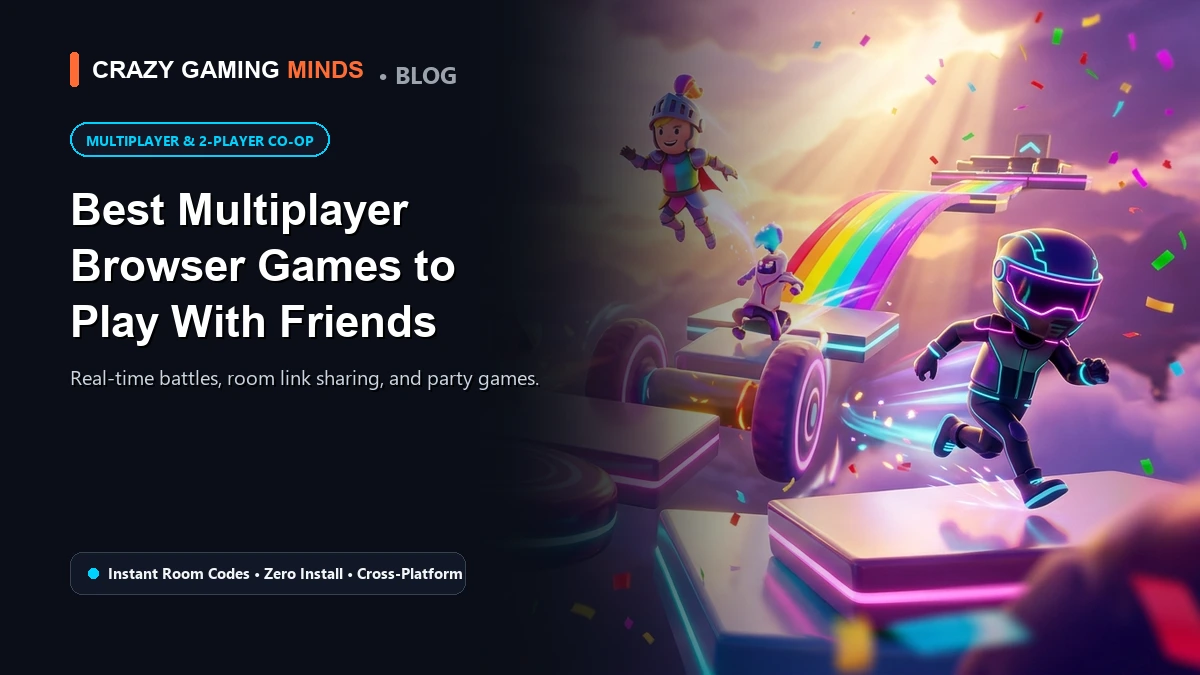
Looking for instant multiplayer excitement without launcher downloads or lengthy registrations? Check out the best multiplayer browser games to play online with friends right now across competitive arenas and cooperative classics.
People love to play games socially. Friends can enjoy outwitting one another, work as a team to complete complex tasks and celebrate a successful ‘beep beat’ goal amongst numerous other social scenarios. However, setting up a gaming evening with friends commonly results in a number of technology related issues in current high quality (AAA) video games; such as downloading lengthy game updates, configuring microphones and establishing multiple user accounts. Further complications can then arise if one of your friends does not have compatible hardware to satisfy the games high system requirements.
For this reason browser based multiplayer has become highly popular. Nowadays, a URL can be shared instantly via Discord, Slack, WhatsApp and/or Microsoft Teams and your whole friend or work group can simultaneously play the identical browser game. Unlike conventional computer software, there is no requirement to download anything or register for accounts. Plus, there are no hardware restrictions.
Our Multiplayer Games category is bursting with hundreds of browser based collaborative and competitive games – perfect for on-the-spot entertainment.
Why Browser Multiplayer Games are the Best for Socialising
Contemporary browser Multiplayer Games employ fast WebSockets and WebRTC data transfer methods allowing near-instantaneous data to be sent and received, with reduced ‘ping’.
Below are the reasons why so many people opt to socialise and play browser Multiplayer Games, rather than conventional computer games:
- Rapid Game Setup and URL Sharing: It is easy to quickly establish a game and share a web URL with others. There are no friend codes or hardware restrictions and no complications exist.
- Dual Keyboard Local Play: Many browser games also allow couples to play together locally on one computer/laptop, each utilising their own keyboard (WASD and Arrow Keys). This re-establishes the fun of classic in-room duo gaming.
- Low System Requirements: Friends can all play browser games comfortably on a variety of devices including older MacBooks, regular computers and even school Chromebooks. All benefit from seamless 60FPS gaming.
Popular Genres of Browser Based Games for Socialising
Depending on whether your friends seek a more humorous or fiercely competitive social gaming environment, there is a wide range of browser games available:
1. Wild Elimination and Battle Royale
Little can rival the humour generated by physics orientated wipe-out games. Games such as Stumble Guys involve teams of players who must traverse wobbly floors and avoid swinging pendula, rotating saws and greasy slides. Individuals can ensure their own success or cause both themselves and their adversary to plummet to their doom by bumping or shoving each other. Combine this with highly active duo brawlers such as Brawl Bros Squad for even more exhilarating social gaming.
2. Social and Collaborative
Whilst not all browser Multiplayer Games are combative, some people favour a more chilled and imaginative environment in which to socialise and play. Sandbox games such as Online Cats Multiplayer Park enable groups to explore colourful outdoor areas, solve simple puzzles and engage with amusing items. People can also socialise using personalised cat characters.
3. Traditional Turn-based Board and Strategy Games
For those who enjoy strategic thinking and planning over quick reflexes, browser versions of classic Board Games are second to none. 2 Player Online Chess enables pairs to experience traditional strategic conflict free from annoying adverts. Ludo Quick: Dice Board Games re-creates the popular cross and circle board game in a fun and quick manner, with dice throwing and exciting end in sight rules, making it the perfect choice for laid back social gaming evenings for friends and family of all ages. Discover additional outstanding strategy games in our Board Games category.
4. Rapid Duo Sports Games
If you have just five minutes in between meetings or study periods, fast arcade sport games are a great option. Within Finger Soccer Tournament, individuals propel their game tokens around animated football fields and strike a ball, deflected by edge bumpers, into net goals in order to defeat their opponent. Discover our whole selection of speedy duo sport games in our Sports Games category.
🎮 Games You Can Play on Crazy Gaming Minds
Jump straight into real-time battles and co-op challenges with these verified multiplayer favorites:
 Party / Royale
Stumble Guys
Dodge massive obstacles, bounce across chaotic hazard courses, and outrun rivals in this massively popular knockout party race.
Play Now → Squad Action
Brawl Bros Squad
Form your dream fighting crew, execute powerful combo moves, and dominate enemy waves across colorful arena battlegrounds.
Play Now → Social / Co-Op
Online Cats Multiplayer Park
Explore a lush playground with fellow cat lovers worldwide, discovering mini-games, secrets, and charming feline interactions.
Play Now → Strategy / Chess
2 Player Online Chess
Challenge a friend to pure tactical mastery with clean board layouts, legal move validation, and instant responsive play.
Play Now → Tabletop / Family
Ludo Quick: Dice Board Games
Roll the lucky six, capture rival tokens, and race your four pieces safely home in this fast-paced classic board game favorite.
Play Now → Sports / Arcade
Finger Soccer Tournament
Aim your trajectory, ricochet the ball off obstacles, and curve tactical game-winning strikes into your friend's net.
Play Now →The Innovation Enabling Browser Multiplayer – WebSockets and WebRTC
In the past, synchronous gaming via HTTP was limited to turn based gameplay as regular web requests suffered from slow response times. Fortunately, the web has innovatively surmounted this issue using the following procedures:
- Persistent Bidirectional WebSockets: WebSockets create a continuous, two-way connection between your browser and the game server. Rather than re-transmitting large HTTP headers, a browser converts a game’s data into small binary segments which are then rapidly dispatched. These data transmissions can be achieved in as little as 15-30 milliseconds.
- Peer-to-Peer WebRTC Data Transfer: During 2-player duelling games, WebRTC facilitates direct data sharing between the browsers of both players. Consequently, no servers are involved and data is transferred at immensely quick speeds.
- Local Physics Modelling with Server Position Synchronisation: Advanced HTML5 browser multiplayer programmes run localised physics modelling and then cross-reference this with periodic server provided position information. As a result, there is never any sensation of lag or lightness about your in-game character.
Cross-Platform Compatibility: Seamless Play Across Any Device
Previously there were significant limitations stopping people playing games together. Console and computer users could not play together and even within mobile, people were often confined to their own ‘gardens’. However, today’s HTML5 multiplayer games eliminate such restrictions.
Whether using iPads with touch screen joysticks or Chromebook/Windows computers, a player can enter the same party lobby as their friends and play Stumble Guys (for example). As well as automatically converting touch button presses into browser click actions, data is also evenly transmitted and received irrespective of the device’s operating system. Ideal then for virtual get-togethers, whether in an office or with family and friends, and for gatherings involving differing devices.
How To Throw The Perfect Online Gaming Party
If you are organising an online gaming event for colleagues or far-flung friends, follow these top hints for success:
- Add Voice Chat Such As Discord Or Google Meet: Whilst browser games themselves coordinate gameplay, supplementary background voice chat greatly enhances the fun through allowing people to interact, banter and commiserate or celebrate successes – in ten times the way.
- Establish Time Limits: To ensure that nobody has to wait too long between games, rapidly switch between different 3 minute party games (such as Stumble Guys) throughout your online event. This is particularly suitable for brief social gatherings.
- Confirm Local Or Cross-Device Play: If you are in the same location (for example within a dorm or office) try to find games offering a ‘2 Player Local’ option. Both players can then utilise one keyboard, reducing energy consumption and avoiding any issues relating to network lag.
- Try Individual Pre-Party Games: Whilst you await a friend to enter your voice chat, improve your hand-eye coordination by playing single-player games detailed within our Best Free Online Games Guide. Alternatively, practice battle rhythm in one of our Best Action Browser Games.
In Summary – Get Connected And Start Playing
Unlike previously, it is now unnecessary to all own expensive gaming consoles, pay for online access and/or possess large hard drives in order to play multiplayer games. Thanks to Crazy Gaming Minds’ state-of-the-art HTML5 multiplayer facility, it is just as straightforward to bond with friends living in another part of town or indeed worldwide as it is to share a web link. Simply select a game, share it and away you go!
Frequently asked questions
How do multiplayer browser games connect players together?
Modern browser games use WebSockets and WebRTC. Upon either creating or joining a game, your browser will securely connect via a low latency ‘socket’ to a thin server which manages the game.
Can 2 players play on the same computer or keyboard?
Yes – numerous games on our site allow 2 players to play locally. Player 1 will utilise their WASD keys and Player 2 will use their Arrow Keys, both on the same device.
Do my friends need to create an account or pay to play?
No. Our whole site is 100% free to access. Merely share the game webpage link with your friend and they can instantly begin playing.
What happens if one of our friends has a slower internet connection?
As HTML5 based, multi-player games only share small pieces of information such as location and input. As a result they are highly data efficient. They run well on even basic mobile 4G or Wi-Fi Internet connections.
Can players on Chromebooks, Mac, Windows, and mobile play together?
Yes! As browser games are played via web browsers, they are 100% cross-device compatible. This includes Windows, Mac, Chromebook, Linux together with Android and iOS.
Are voice chat tools built in or should we use external apps?
Whilst the majority of browser games optimise for simple gaming functionality, we would advise launching a Discord, Google Meet or Zoom voice chat within an additional tab so that you can converse as you play.
Are these multiplayer games completely free without hidden fees?
Yes. All games featured in our guide are 100% free to play. There are no pay-to-win elements or membership fees.