Best Free Online Games to Play in Your Browser Without Downloading
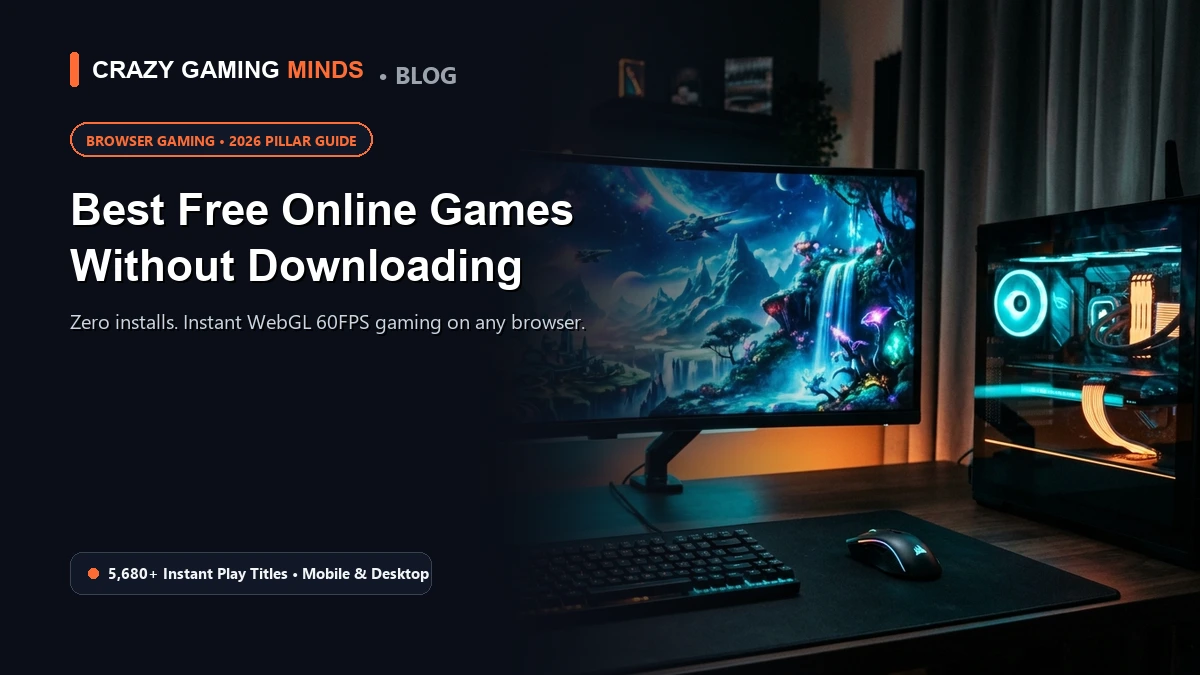
Discover the absolute best free online games you can play right in your browser with zero downloads, zero installs, and zero waiting. From rhythm platformers to deep tycoon simulators, dive into instant high-FPS web gaming today.
The days of having to download huge updates (often in excess of 50 Gigabytes), battling with anti-cheating software and freeing up valuable hard drive space are quickly being overtaken by a new age of gaming. Powerful HTML5 and WebGL technologies now enable real-time, smooth (60 frames per second) computer generated environments to be instantly accessed the moment a web browser tab is opened. Whether it’s a Chromebook at school, a work laptop at break time, a computer at home or even a smart phone, high quality free browser-based computer games provide console-level entertainment with effortless ease.
Crazy Gaming Minds is based on the philosophy that gaming should be fully accessible. Our site provides a huge range of games (in arcades, physics, simulation, racing and multi-player) – there are over 5,680 working games on offer. Within seconds, you can switch between vastly differing game types. Here we explore why browser-based instant access games have become so popular globally. We then analyse some of the best current browser games and provide expert advice on how to ensure that your browser runs optimally so that you can play flawlessly.
Why Free Browser Games Are Booming in 2026
Browser based gaming has dramatically evolved on its journey from the days of insecure and slow Adobe Flash. Now the latest WebAssembly (WASM) and WebGL 2.0 technologies are utilised in our browsers so that computer games – originally written in C++ and Rust – can be processed by a computer’s graphical processing unit (GPU), almost as fast as native applications.
This has provided 3 key benefits to both casual and dedicated gamers.
- Instant Access: No download software, no unzipping and no sign-in is needed to play browser games. When you click on a browser game, within 2 seconds your computer will automatically compile and start up the game engine in your current tab.
- Consistent Experience Across All Platforms: Current HTML5 browser games operate identically in Google Chrome, Mozilla Firefox, Microsoft Edge, Safari and on mobile web browsers. Moreover, gamer data, hand-eye co-ordination and preferred games are all transferable between devices.
- Secure Environment: As browser games are contained within a web browser’s secure sandbox environment, they are unable to access computer files, or deploy background programmes, and so cannot jeopardise a user’s privacy.
How WebAssembly and WebGL Revolutionized Web Performance
Clicking the ‘Play’ button on a contemporary browser game initiates something quite different to previous decades. Older browser games used either Flash or Java applets which were run through sub-optimal interpreters and frequently monopolised 100% of one’s CPUs, causing graphical lag and also adversely affecting battery life. Today’s browser games are able to exploit up-to-date browser functionality including:
- GPU Shader Compilation: WebGL 2.0 is able to convert sophisticated 3D lighting, pyrotechnics and screen ‘glow’ effects, straight onto your computer’s GPU shaders for ultra-smooth 60FPS visuals.
- Multi-threaded Sound Processing: Using the Web Audio API, audio such as directional sounds and music can be analysed, and played back in a separate thread to the graphical display. This prevents audio breaking up when there is high on-screen activity.
- Background Resource Downloading: Levels, images and audio can be asynchronously downloaded. Thus, you can start playing a game’s first level almost immediately and further levels then download effortlessly.
The Top Genres Dominating Browser Gaming Today
The breadth of free-to-play browser-based games can feel very extensive. Knowing which basic game types are on offer can help identify the most suitable option based on your current mood and available time:
1. Fast and Responsive Platform Games
Fast thrill-seekers will enjoy platform games, requiring highly accurate hand-eye co-ordination. Popular examples such as Geometry Dash and Geometry Rash, feature energetic music and dangerous spikes along with teleportation mechanics. Players need to leap at exactly the right moment – a key feature which many arcades gamers love. There is nothing quite like the euphoria of successfully completing a particularly difficult level following numerous attempts.
2. Calm Simulation and Business Games
People who enjoy problem solving and seeing their financial status improve will find much to appreciate within new browser-based business simulations. Within Burger Empire, for instance, you become an aspiring chef and oversee griddles, procurement and queue flow. Likewise, games such as Gym Simulator - Tycoon let people establish their own fitness centres, carefully managing investment in gym equipment as well as increasing membership. Investigate further stimulating financial simulators within our Simulation Games category.
3. Smart Physics and Puzzle Games
Web-based physics games ingeniously utilise real-world physics principles including gravity, tension and motion. For example, in games such as Superhero Drop and Save, individuals have to dismantle props and manipulate surroundings in order to save characters. Should you relish problem solving, then our Puzzle Games category has hundreds of popular games which both test and develop logic and grid clearance skills.
4. Calm Simulation and Survival Games
For those wishing to simply relax and explore, miniature Simulation Games such as Cute Sheep SkyBlock transport you to hovering land masses within space. Here you can collect timber, develop aerial meadows and look after scarce fauna, all free from the pressure of time sensitive clocks. People can thus enjoy a soothing virtual space in which to simulate and relax.
🎮 Games You Can Play on Crazy Gaming Minds
Jump straight into the action with these verified, zero-install browser games handpicked for this guide:
 Arcade / Rhythm
Geometry Dash
Navigate treacherous geometric obstacle courses synchronized to electrifying EDM soundtracks in this iconic reflex platformer.
Play Now →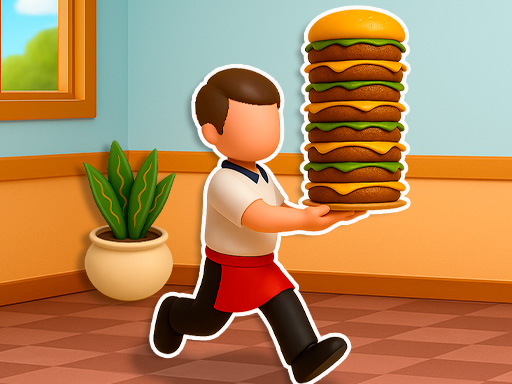 Tycoon / Sim
Burger Empire
Build a global restaurant franchise, upgrade sizzling burger grills, hire staff, and satisfy waves of hungry customers.
Play Now →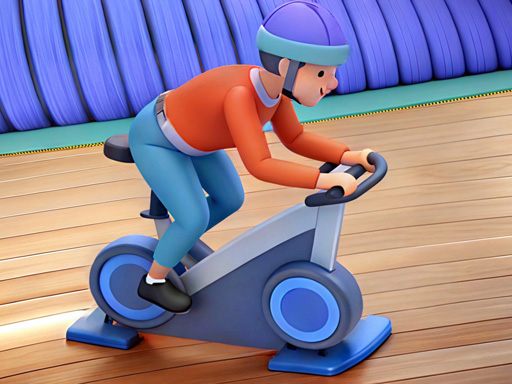 Management
Gym Simulator - Tycoon
Transform a humble basement workout room into a bustling luxury fitness empire with state-of-the-art training gear.
Play Now → Physics / Action
Superhero Drop and Save
Solve dynamic physics puzzles to drop superhero characters past lethal hazards and steer them safely to the extraction point.
Play Now → Reflex / Runner
Geometry Rash
A relentless obstacle course runner featuring dynamic lighting, shifting hazard patterns, and lightning-fast tap mechanics.
Play Now → Sandbox / Adventure
Cute Sheep SkyBlock
Expand your solitary sky island, harvest crops, craft vital supplies, and breed an adorable flock of sheep in high altitude peace.
Play Now →How Progress and Save Data Work in Browser Gaming
Many people wrongly believe that reloading a web browser will cause them to lose their game progress. However, this is not true. There are two strong browser data storage mechanisms available to web game developers:
- LocalStorage: A basic database which allows a browser to retain information such as user preferences, top scores and character skins between browser sessions.
- IndexedDB: An advanced local computer database. It can be used by game developers to store intricate elements of a game including its world design and level advancement. Again, no login to a server is required.
As long as you do not clear your browsers browsing data, then all your saved game data will still be available when you next visit Crazy Gaming Minds.
How to Optimize Your Browser for Maximum Gaming FPS
HTML5 games are highly optimised. Adhering to this advice will allow a game to maintain smooth 60fps gameplay:
- Turn On Hardware Acceleration: Within your browsers System and/or Performance menu, ensure that the option for "Use graphics acceleration when available" is enabled. This shifts resource intensive WebGL processing away from your computers central processing unit and onto your graphics card (dedicated or integrated).
- Enter Fullscreen: By hitting the
F11key (or clicking the Fullscreen button at the bottom of any Crazy Gaming Minds game player), you can strip away browser toolbars and prevent the computer from having to composite your desktop. In addition, your mouse will be confined to the screen in order to improve aim. - Minimise Memory Bandwidth Contention: Other high data rate tabs such as video and highly active social media pages can struggle for access to memory bandwidth and thus induce minor stutters when playing demanding games.
- Update Your Browser: Chrome, Edge and Firefox regularly issue updates which further optimise their handling of WebAssembly and canvas features.
Multiplayer, Racing and More
Whilst you have mastered individual arcade games, online browser games are enhanced by playing with others. Please refer to our article titled Best Multiplayer Browser Games to Play With Friends for a list of excellent browser multi-player and team-based titles. If you love the smell of burning rubber then please also refer to our article Best Free Online Racing & Car Games. And if you enjoy fast-paced fighting games then please see our selection of Best Action & Casual Browser Games.
Instant Access to Online Games
Online games have revolutionised the way people engage with entertainment. Unlike conventional software, there is no need to download, and no pay-to-play elements. In addition, browser games can be accessed and played almost instantly. Crazy Gaming Minds enables people to effortlessly access our extensive range of handpicked online game worlds. Visit our home page regularly to ensure that you are up-to-date with our latest additions. Enjoy hassle-free browser gaming!
Frequently asked questions
Can I play all these games without downloading anything?
Yes. Our entire selection of browser games are played within browsers and utilise either HTML5 or WebGL. There is therefore no requirement to install programmes, software or add-ons.
Are free browser games safe to play on my computer?
Yes. As browser games operate in a confined area within browsers (known as a sandbox), they are unable to access, alter or infect your computer or laptop.
Do I need a graphics card or gaming PC to play?
Generally speaking, HTML5 browser games will work well on laptops, Chromebooks, computers at work and even on mobiles – and do not necessitate the need for a graphics card.
Will my game progress and high scores be saved?
Yes. For the majority of browser games, your game data including progression, money and top scores are stored within your browser’s LocalStorage and IndexedDB. Provided that you do not delete your browser cache, your data will be preserved.
Can I play these games on iPhones, iPads, and Android devices?
Yes. All current browser games on our site include intuitive touch-screen functionality which is automatically optimised for iPhones, iPads, Android phones and computers.
Why are some games blocked on school or office networks?
Some business networks restrict access to websites relating to specific game types. Crazy Gaming Minds has a streamlined and elegant website which operates effectively on most networks.
How often are new games added to Crazy Gaming Minds?
Our experts regularly trial and launch fresh, validated browser games each week. These include arcade, racing, puzzle, simulation and multiplayer game sub-types.